JOD 68.00

| المنتج | الكمية | ||
|---|---|---|---|
| JOD 67.00 |
-
وصف المنتج
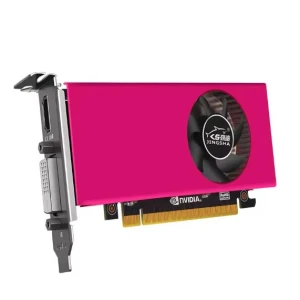
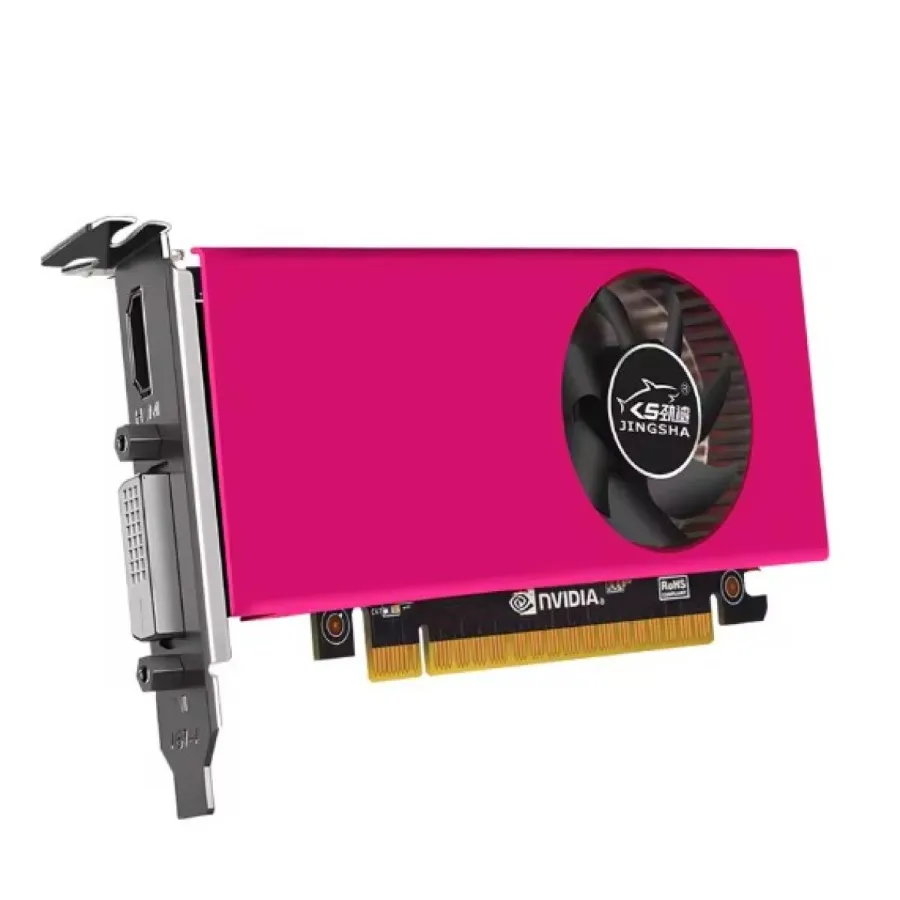
Priorto working on your computer, make sure the power of the computer and related equipment is turned off.
Step 1: Find the PCI-E slot on mainboard.
Step 2: Make sure the golden finger of the graphic card is
fully mounted to the PCI-E slot.
Step 3: Plug your monitor cable into the monitor connector on the graphic card make sure the other end of the monitor cable is properly connected to your monitor.
رمز المنتج : 390692تم نسخ رمز المنتج بنجاح!
منتجات ذات صلة
JOD 16.00